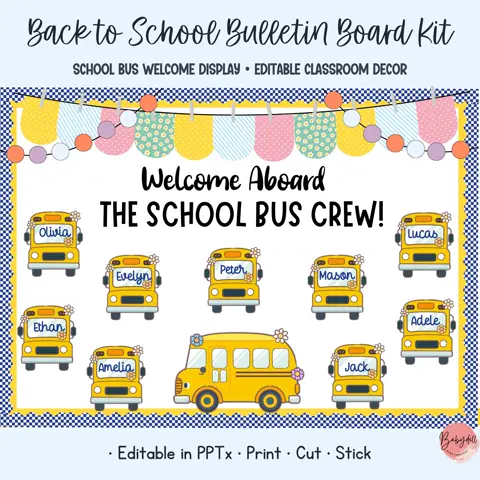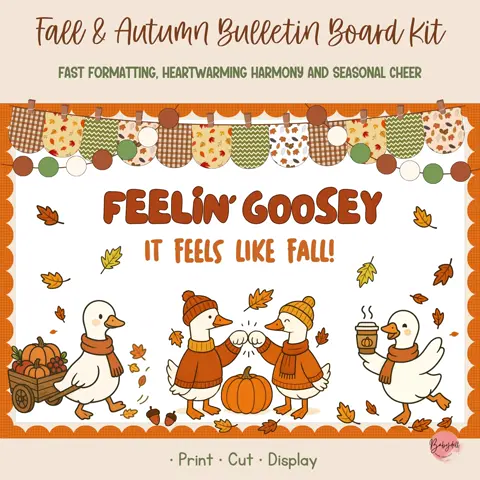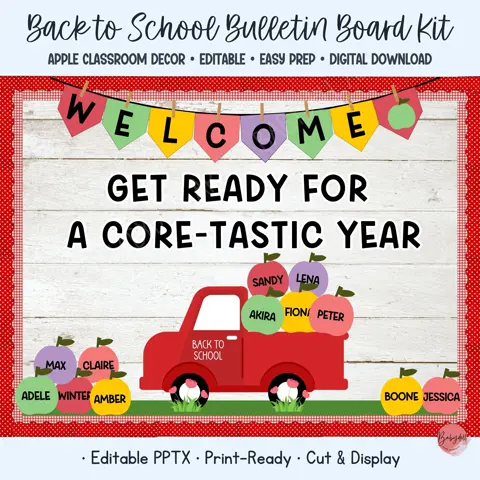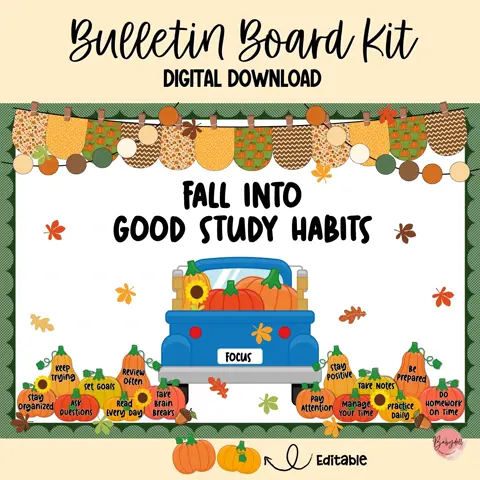
Measure and review before printing
Measure the usable display area, including any frame, trim, or required signage. Review the kit contents and decide which headline, illustrations, and student pieces fit your plan. You may not need every decorative element included in a large set.
Confirm the intended paper size and open the file in the recommended application. If the product includes editable text, preserve a blank master copy before adding student names or changing the message.
Test color, scale, and paper
Print one page that includes both text and artwork. Check color, clarity, margins, and size under normal classroom lighting. Select Actual Size or 100% when pieces must retain their designed dimensions; use Fit to Page only when you intentionally want to reduce them.
Cardstock gives larger pieces more structure, while regular paper may be suitable for items mounted to a firm background or laminated. Use your printer’s appropriate quality setting and avoid printing the complete kit until the test page is satisfactory.
Arrange the complete display first
Cut the headline and largest illustrations before the small accents. Lay everything on the floor or a table using the board measurements as a guide. Position the headline first, then balance large artwork, student content, and smaller pieces around it.
Take a photo of the arrangement before moving it to the wall. Install from the center outward and step back regularly to check spacing. Keep the smallest accents until the end so they can solve gaps rather than create clutter.
Store fall decor for efficient reuse
Label envelopes by type, such as lettering, pumpkins, leaves, student pieces, and border accents. Store flat items in a rigid folder or portfolio and note the approximate finished board size on the outside.
Save the layout photo with the digital files and record any pieces that need replacing. When student names or dates change, edit and print only those pages. A dependable storage system protects the preparation time you have already invested.