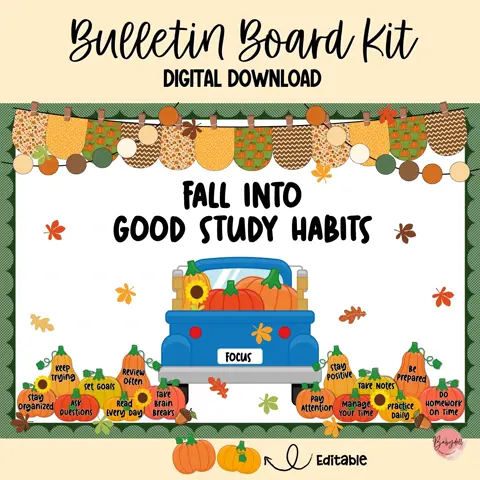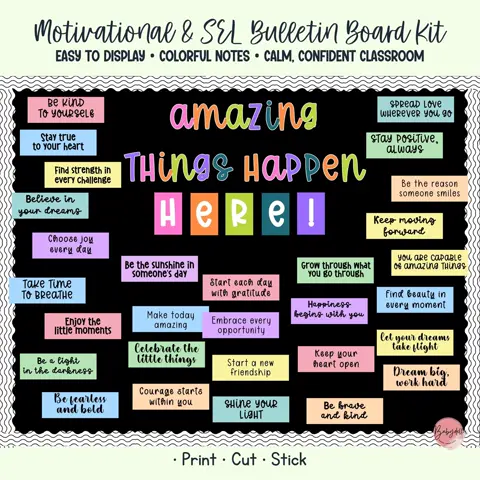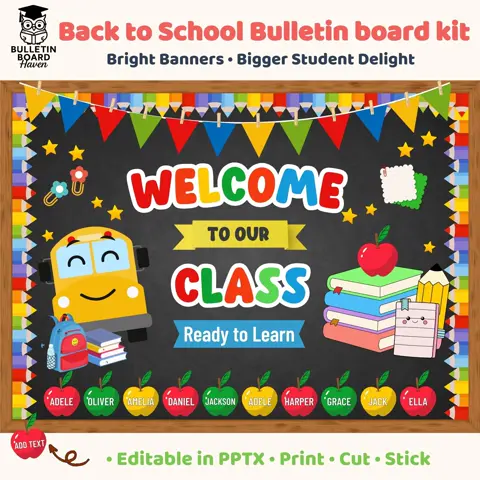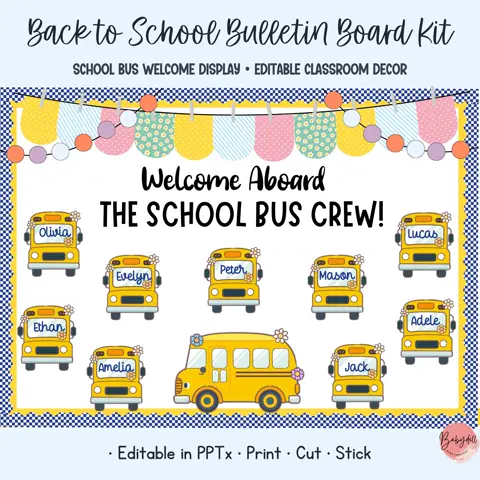
Test before printing the complete set
Confirm the required paper size and print one representative page first. Check scale, margins, text clarity, and color under normal classroom lighting. A quick test prevents wasted ink and helps you choose between copy paper, cardstock, or another material.
Use Actual Size or 100% when pieces need to keep their intended dimensions. Choose Fit to Page only when you deliberately want to reduce the artwork to match your printer margins.
Prepare pieces in a helpful order
Begin with the headline and largest illustrations because they determine the layout. Cut small accents and editable names afterward, keeping each group in a separate envelope or tray until assembly.
Laminate pieces that will be handled often or reused for several years. For a one-time display or items placed behind a protective cover, sturdy paper may be enough and can save preparation time.
Create a storage system for next year
Photograph the finished display and store the picture with the printed pieces. Label the container with the theme, season, and a short inventory so you can see what is included without opening every folder.
Keep editable files in clearly named digital folders and preserve a blank master copy. Next year you can update names and dates while reusing the decorative pieces you already prepared.